How to Convert Text to Natural Sounding Speech
According to Grand View Research, the global text-to-speech market size was valued at USD 2.22 billion in 2021 and is expected to grow at a compound annual growth rate of 14.9% from 2022 to 2030. Natural sounding speech has become a cornerstone for accessibility, voice assistants, and content creation. Yet many tools still produce flat, robotic voices that distract listeners. With the right approach, your text can sound like a human reading it. Use AI-driven neural TTS engines with SSML controls to convert text into natural, human-like speech.
This guide is for developers, content creators, educators, and accessibility advocates who want clear, engaging voice output. You’ll learn the basics of modern TTS, compare top platforms, and see how to tweak voices with SSML tags. We’ll walk through integration steps and testing tips so you can deliver a polished audio experience. Follow this narrative from concept to final proof.
Understanding TTS Basics
Text-to-speech (TTS) transforms written text into spoken words. Early systems used concatenative methods, stitching recorded clips into phrases. Modern neural TTS relies on deep learning to model voice nuances like tone and timing. This shift creates smoother, more natural output that adapts to context.

Key factors in natural sounding speech include prosody, intonation, and phoneme accuracy. Prosody gives sentences rhythm. Intonation handles pitch changes for questions or emotions. Accurate phoneme modeling ensures correct pronunciation across languages.
Look for “neural” or “waveform generative” labels in providers. Test demo clips under different scenarios: narration, dialogue, or commands. Check language and accent support if you serve a global audience. Finally, ensure the service accepts SSML for fine-grained control.
Comparing TTS Platforms
Major cloud vendors offer powerful TTS APIs with neural voices and customization. Choosing the right platform depends on your priorities: voice quality, cost, or extra features like emotion tuning. The table below highlights core differences.
| Platform | Voice Quality | Customization | Pricing |
|---|---|---|---|
| Amazon Polly | High (Neural) | SSML, lexicons | $4/1M chars |
| Google Cloud TTS | Very High (WaveNet) | SSML, voice tuning | $16/1M chars |
| Azure TTS | High (Neural) | SSML, custom voices | $4/1M chars |
| IBM Watson | Medium | SSML, limited | $20/1M chars |
If budget is tight, start with free tiers from Amazon or Azure. For top-tier naturalness, Google WaveNet leads but at higher cost. IBM Watson works for simple tasks. Always run a pilot test with real text samples before committing.
Remember to factor in latency, regional availability, and support for languages you need. A quick proof of concept can reveal hidden limits, like missing accents or inconsistent audio levels. Choose the provider that balances quality with your project scope.
Using SSML for Audio
Speech Synthesis Markup Language (SSML) lets you control pauses, emphasis, and pronunciation. It’s an XML-based syntax supported by most TTS services. SSML tags wrap your text to guide the engine on how to speak each segment.
Common SSML elements include:
<break time="500ms"/>for pauses<emphasis level="strong">…</emphasis>to stress words<say-as interpret-as="date">20230715</say-as>for dates
You can nest tags to fine-tune complex sentences.
Practical tip: start with natural text and add one SSML tag at a time. This helps you track its effect. Use your platform’s SSML validator or logs to catch errors. Keep your markup clean and well-indented for maintainability.
Customizing Voice Output
Beyond SSML, many TTS APIs let you adjust voice parameters like pitch, rate, and volume. Some even support emotion tags or whisper modes for dramatic effect. These settings let you match your brand’s tone or emphasize key points.
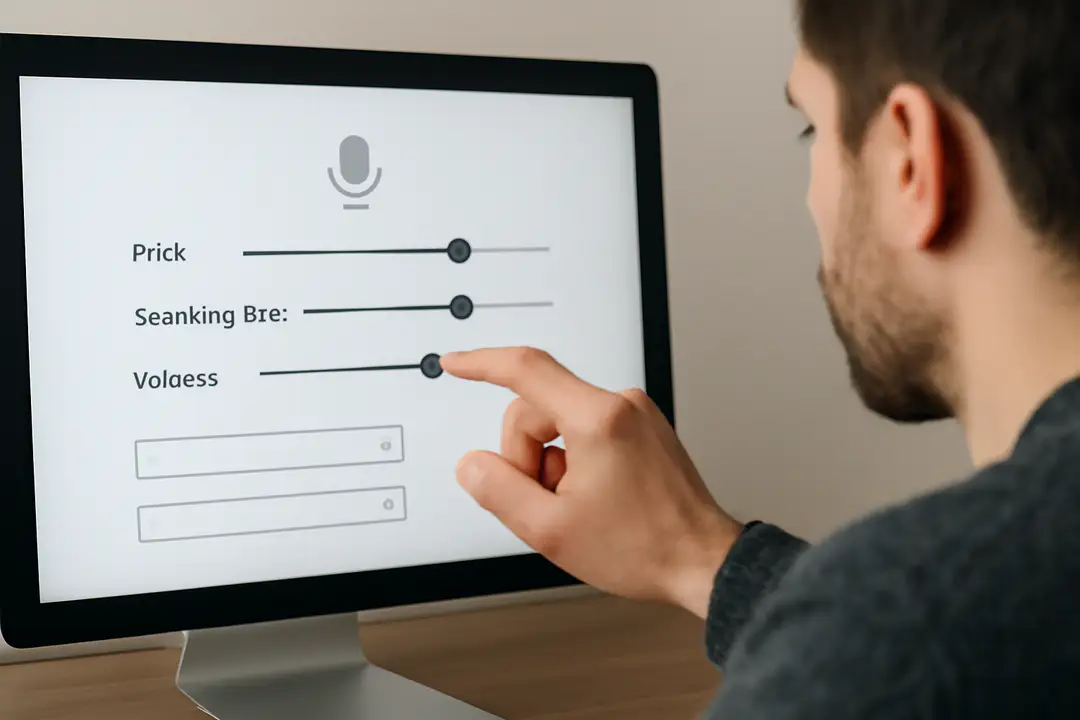
For example, Amazon Polly allows pitch="+2st" or rate="90%". Azure’s neural voices let you apply a style like “cheerful” or “sad.” Google Cloud TTS offers voice model variants optimized for short or long-form content.
When tweaking these options, test in small increments. A slight pitch change can make a voice sound unnatural if overdone. Keep a consistent style across related audio files so listeners don’t notice sudden shifts. Document your chosen settings in code comments or a style guide for team reference.
Integration Steps
- Sign up for your chosen TTS service and get API credentials.
- Install the provider’s SDK or set up HTTP requests in your code.
- Format your text and wrap SSML tags where needed.
- Call the TTS API endpoint with your payload and credentials.
- Receive the audio file (MP3, WAV) and save it to storage.
- Embed or stream the audio in your app, website, or podcast tool.
Use error handling to catch API timeouts or invalid SSML. Automate retries for network hiccups. Store samples of failed SSML for manual review. This keeps your build stable.
Testing and Refining
Once you have audio files, run listening tests with real users or team members. Note any mispronunciations, awkward pauses, or volume jumps. Record feedback in a shared document or ticket system.
You can also use objective metrics like the Mean Opinion Score (MOS) to rate clarity and naturalness on a 1–5 scale. Aim for at least a 4.0 MOS for a professional feel.
Iterate by updating SSML tags, swapping voices, or tuning parameters. Keep track of each change and its impact on test scores. Over time, you’ll build a style profile that fits your audience’s expectations. This cycle of testing and refining is key to truly natural results.
Conclusion
Converting text to lifelike speech brings your content to life and expands its reach. By choosing a neural TTS platform, mastering SSML, and fine-tuning voice settings, you can turn plain text into engaging audio. Integration is straightforward with modern APIs, and systematic testing ensures quality. Remember, small adjustments in pitch, pauses, and emphasis make a big difference in listener experience. Follow the steps in this guide to move from robotic output to warm, human-like narration.
Start with simple demos, gather feedback, and refine your approach. In a few iterations, you’ll deliver polished audio that feels natural. Whether you’re building an app, podcast, or accessibility tool, these practices help you make a lasting impression. Now, it’s your turn to give your text a voice that truly connects.