Creating an Ideal Home Office Setup for Productivity
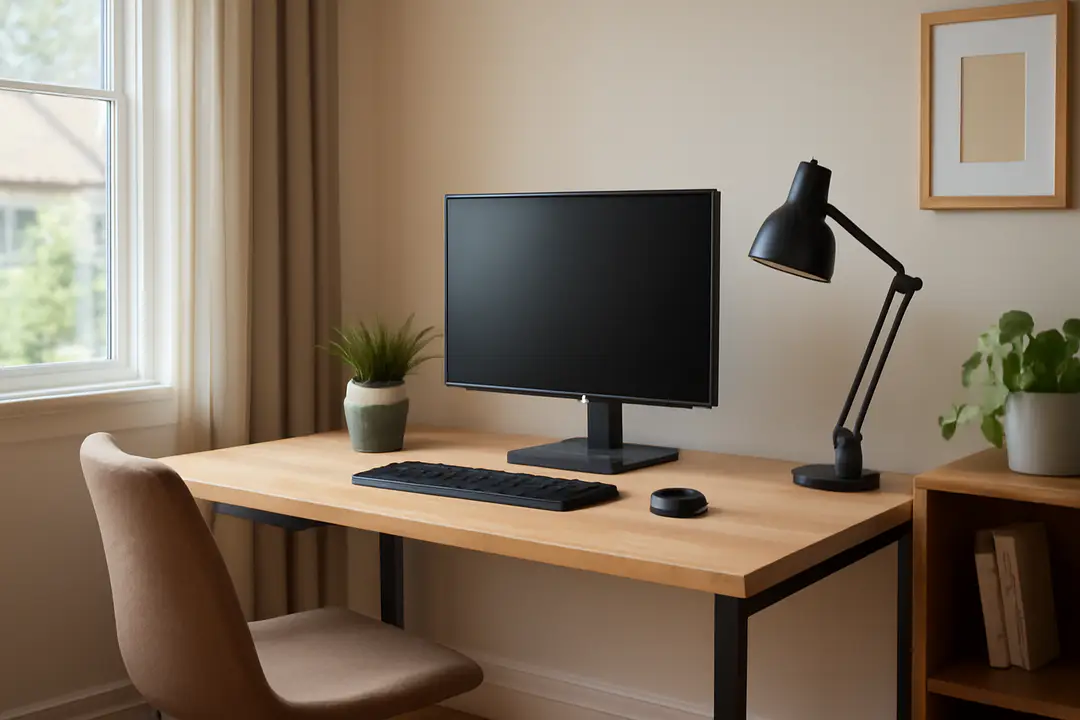
According to Gallup’s 2017 State of the American Workplace report, 43% of employed Americans spend at least part of their workweek outside a traditional office. This shift has made a well-designed home workspace more crucial than ever.
Creating an ideal home office involves choosing the right space, ergonomic furniture, good lighting, reliable tech, and organized storage.
Whether you’re a freelancer, remote employee, or entrepreneur, your office setup affects focus, comfort, and output. In this guide, you’ll learn how to transform any corner into a productive workspace that feels personal and professional.
Choosing the Right Space
Begin by scouting an area that’s quiet and separated from high-traffic zones. A spare bedroom, a section of the living room, or even a corner in a quiet hallway can become your command center. Measure the footprint first so you know what kind of desk and chair will fit without crowding the room.
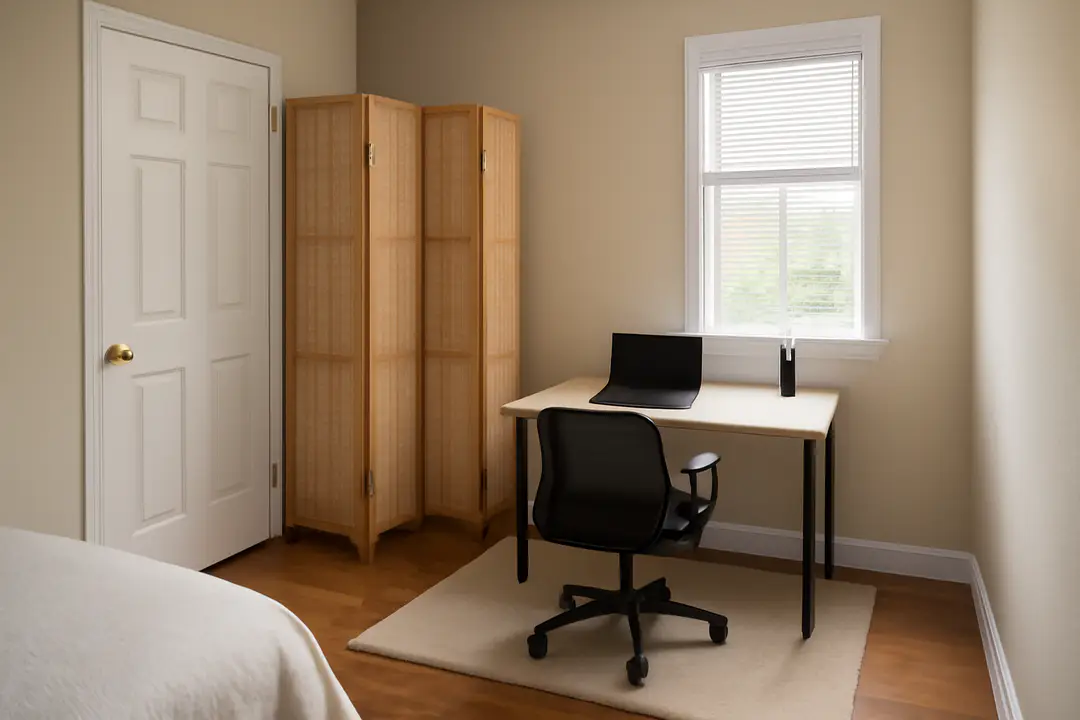
Avoid spaces near busy household spots like the kitchen or TV. If you have limited options, consider a folding room divider or a tall bookshelf to block noise and sightlines. Lay down a low-profile rug under your desk to define the area and reduce echo.
Windows are a plus but not a must. If you have a view, place your desk perpendicular to the window to cut glare on your screen. If natural light is scarce, plan for artificial lighting in the next section. Finally, clear this space of clutter before you start. A tidy footprint makes for a tidy mind.
Ergonomic Essentials
Ergonomics isn’t just a buzzword. It’s how you protect your body over long workdays. A good chair and desk combo will reduce back pain, neck strain, and fatigue.
| Item | Benefit | Price Range |
|---|---|---|
| Adjustable Standing Desk | Switch between sitting and standing | $250–$600 |
| Ergonomic Office Chair | Lumbar support and recline options | $150–$400 |
| Keyboard Tray | Keeps wrists neutral | $30–$80 |
| Monitor Arm | Adjust screen height easily | $40–$120 |
If you’re on a budget, start with a chair that has an adjustable backrest. Position your screen at eye level and your keyboard at elbow height. Use a small cushion for extra lower-back support if needed. Finally, practice good posture: feet flat, spine neutral, shoulders relaxed.
Lighting and Ambience
Good lighting prevents eye strain and uplifts mood. Aim for a mix of natural and artificial sources. Position your desk near a window but keep direct sunlight off your monitor to avoid glare.
For artificial lighting, choose a desk lamp with adjustable color temperature. A 4000K bulb gives a bright but soft white light, helping you stay alert. Overhead lights should be diffused—use a frosted cover or soft lampshade to spread light evenly.
Consider adding ambient LEDs behind your monitor to reduce contrast and eye fatigue. If your space feels cold or bland, introduce a small floor lamp in a corner for a cozy glow. Finally, control brightness with dimmer switches or smart bulbs. This setup lets you adapt light levels through the day and late into evening.
Tech and Connectivity
Your hardware and network determine how smooth your workday feels. Start with a reliable high-speed internet connection. If Wi-Fi drops happen, add a mesh router or a powerline adapter for better coverage. Here’s a quick setup list:
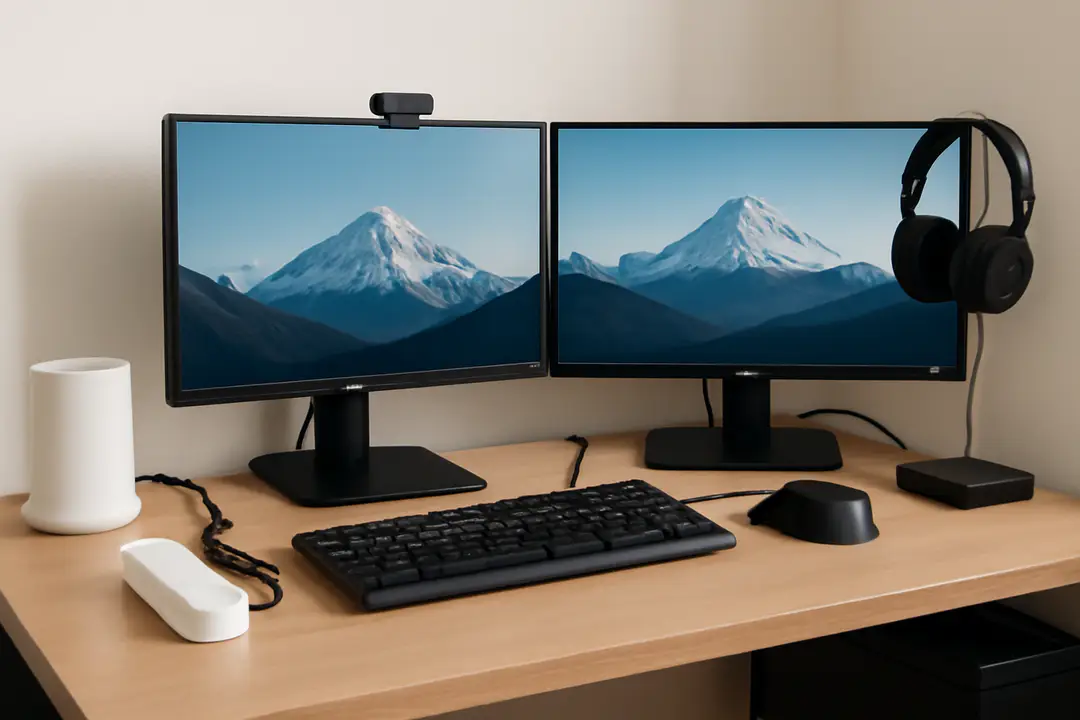
- Dual-monitor setup (24–27 inch, 1080p or higher)
- Mechanical or ergonomic keyboard and mouse
- Webcam (1080p) and noise-canceling headset
- Surge protector with USB ports
- High-speed router or mesh network
- Backup drive or cloud storage
Integrate reliable video conferencing software and remote collaboration tools to stay connected with your team. Tuck cables away with clips and sleeves to keep your desk neat. Label chargers and cords so you don’t grab the wrong cable in a hurry.
Finally, set up regular software updates and automated backups. A few minutes spent here can save hours of downtime later.
Organizing and Storage
Clutter distracts. Keep only daily essentials on your desk. Store paperwork, supplies, and reference books in designated spots to prevent piles from forming.
- Floating shelves for binders and décor
- Desk drawer organizers for pens, notes, and tools
- Rolling cart or file cabinet on casters
- Magazine holders for incoming papers and mail
- Label makers for clear identification
Implement a “daily reset” habit. At day’s end, spend two minutes clearing your workspace. File documents, toss scraps, and wipe surfaces. This routine keeps your home office fresh and ready for tomorrow.
If you work with a lot of physical files, digitize often. A simple scanning app and cloud folder can reduce paper buildup. Efficient storage unlocks more mental space for creative work and focus.
Personal Touch and Wellness
Your office should feel inviting. Add a few items that spark joy without cluttering the desk. A small plant, a framed photo, or a simple art print can boost morale and reduce stress.
Integrate breaks into your routine. Set a timer or use a time tracking software tool to remind you to stand, stretch, or walk. Even a two-minute break every hour improves circulation and focus.
Consider smart home gadgets like voice-controlled lights or a smart speaker to manage music and room temperature hands-free. Soft background sounds, like a white noise machine or quiet playlist, can boost concentration.
Finally, set clear start and end times. Close your office door or put away work tools to signal the day is done. This boundary protects your personal time and prevents burnout.
Conclusion
Creating an ideal home office is more than picking a desk and chair. It’s about building a space that supports your body, mind, and workflow. You want a spot that feels professional, yet personal enough to keep you motivated.
Start with location, ergonomics, and lighting. Layer in reliable tech, smart storage, and personal touches. Practice daily habits like resetting your desk and taking regular breaks to keep your space—and your mind—sharp.
When every element works together, you’ll find yourself more focused, comfortable, and productive. Use these tips to craft a workspace that adapts to your tasks and routines. Your ideal home office is within reach.
Ready to make the change? Begin today by picking one area to improve—your posture, your lighting, or your tech setup. Small steps lead to big gains in comfort and efficiency.