How AI Text-to-Speech is Revolutionizing Accessibility

According to the World Health Organization, at least 2.2 billion people globally have near or distance vision impairment that could benefit from accessible technologies. In a world flooded with digital content, reading text on a screen is an everyday task that many cannot complete unaided. AI-driven text-to-speech steps in to speak written words aloud, breaking down barriers for millions. AI text-to-speech technology is transforming accessibility by converting digital text into clear, customizable audio experiences that empower individuals with diverse needs.
Over the past decade, advances in neural networks have reshaped voice synthesis, turning flat recordings into expressive narrations. From educational platforms to healthcare portals, AI voices are making information reachable for those with visual, cognitive, or literacy challenges. As these systems adapt tone, pace, and language fluency, they promise a future where technology listens to and speaks with everyone.
Current Accessibility Challenges
Digital content has become central to daily life, yet many users face hurdles when accessing on-screen text. People with visual impairments must rely on basic screen readers that often mispronounce words or misinterpret layout. Others with dyslexia or cognitive disabilities may feel overwhelmed by blocks of text without audio support. Even neurotypical users benefit from audio options during multitasking, such as driving or exercising.

Traditional text-to-speech systems used recorded voices with fixed pacing and limited language support. These robotic-sounding outputs can fatigue listeners and reduce comprehension over time. Many platforms lacked easy ways to customize speed, pitch, or pronunciation, making them less effective in educational and professional settings. As a result, adoption remained low despite clear demand.
Accessibility isn’t just a feature; it’s a right protected by laws like the Americans with Disabilities Act and the Web Content Accessibility Guidelines. Organizations that ignore audio alternatives risk legal challenges and exclude millions of potential users. In fields such as healthcare and government, failing to provide spoken versions of documents can block critical information. Bridging this gap lays the groundwork for inclusive services.
To move forward, developers and content creators need tools that deliver natural, adjustable speech with minimal setup. They should support multiple languages and dialects, allow fine-grained control, and integrate seamlessly into websites and apps. Learning from these challenges helps guide new AI-driven solutions. The next sections explore how modern text-to-speech technology rises to meet these needs.
AI Voice Quality
The leap from robotic prompts to human-like narration stems from deep learning innovations. Neural text-to-speech engines analyze vast voice datasets to model breathing, intonation, and emotion. This process results in voices that vary tone, stress, and rhythm in patterns found in natural speech. As a listener, one can barely tell the difference between a synthetic voice and a recorded human speaker.
Key to this transformation is the use of generative adversarial networks and transformer architectures. They refine audio output by predicting waveform details and adjusting for clarity. Models now achieve high Mean Opinion Scores, reflecting naturalness and intelligibility in tests. Such accuracy boosts user engagement and reduces listening fatigue.
Beyond technical metrics, customization matters. Users can select gender, accent, and speaking style to match their preferences or cultural context. Control over speech rate and volume further enhances clarity for those with learning challenges. Developers can also insert pauses and phonetic tweaks for precise pronunciation.
These tools often offer free demos of natural-sounding speech that showcases the richness of AI voices. Trying multiple samples helps teams choose the most suitable voice for their audience. By testing real text from websites or documents, one can ensure the chosen model handles industry-specific terms and names correctly.
Practical tips include auditioning voices with varied content types, from short prompts to long narratives. Take note of how accents handle specialized vocabulary, like medical or legal terms. Encourage beta testing with target users to gather feedback on tone and pacing. These steps ensure the final voice selection truly meets accessibility goals.
Real-World Applications
AI text-to-speech is no longer limited to experimental labs; it has practical uses across industries. In education, students with reading difficulties can consume textbooks as audio, improving comprehension and retention. Teachers can record lesson scripts once and distribute them instantly, saving hours in preparation. Online courses now include optional audio narration to support different learning styles.
Healthcare providers use TTS to read patient materials aloud, ensuring those with low literacy or vision issues understand prescriptions and consent forms. During emergencies, automated systems can broadcast clear instructions to diverse populations. Customer service centers deploy AI voices to answer FAQs, freeing human agents for complex queries. This automation improves response times and accessibility for callers with speech or hearing disabilities.
In digital publishing, content creators can generate podcasts or audiobooks without hiring voice actors. By exploring the best text-to-speech tools for content creators, writers and marketers find affordable ways to add audio versions of blogs and articles. Podcast listeners enjoy fresh episodes generated from written updates, while SEO benefits from increased dwell time on pages.
Navigation apps also lean on TTS to guide visually impaired travelers through real-world routes. Clear turn-by-turn instructions spoken in natural voices help users stay oriented. Even smart home devices rely on TTS to confirm user commands in friendly, easy-to-understand phrases. Each of these applications illustrates how AI speech bridges the gap between text and human interaction.
When selecting tools for your project, consider privacy and data security. Real-world deployments must safeguard user information and comply with regulations like GDPR. Regularly update voice models to benefit from accuracy improvements and new language support. By following these practical steps, practitioners can roll out accessible audio solutions with confidence.
Best TTS Tools
Choosing the right text-to-speech service depends on budget, voice quality, and integration options. Here are some top AI TTS tools that cater to various needs:
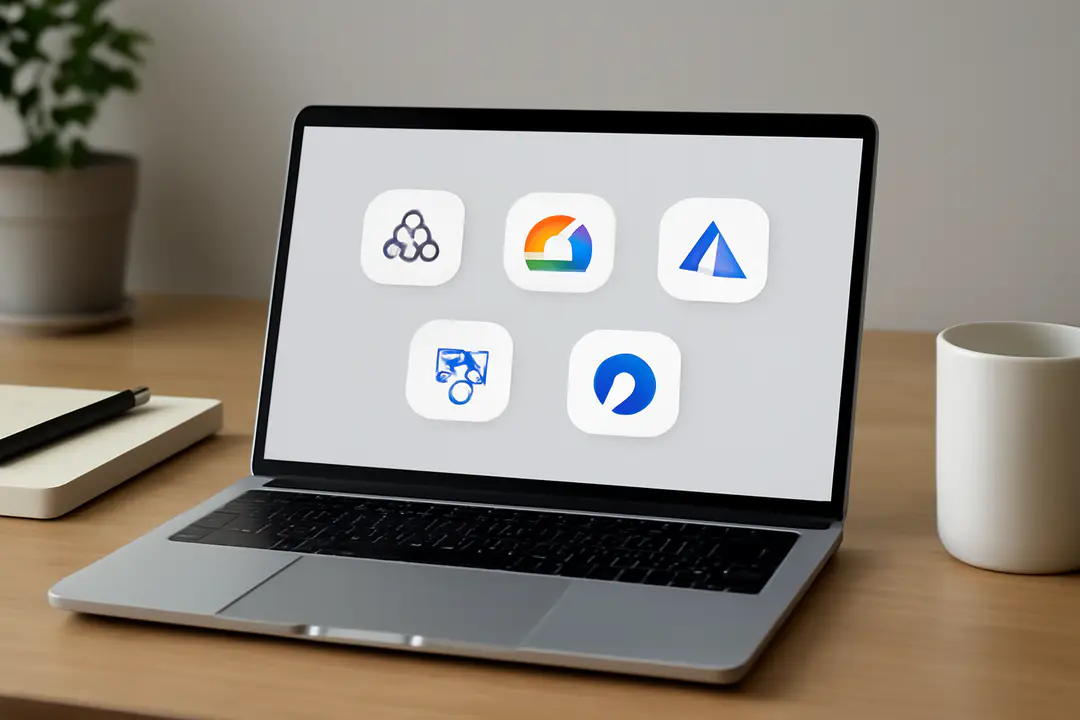
- Amazon Polly: Offers dozens of realistic voices, supports SSML tags for pronunciation, and provides low-latency streaming. Ideal for large-scale apps.
- Google Cloud TTS: Uses WaveNet technology to generate high-fidelity audio. Includes multilingual support and easy API integration.
- Microsoft Azure TTS: Features neural voices that adapt to conversational context. Offers voice tuning options and strong compliance standards.
- IBM Watson TTS: Delivers expressive speech with customizable voice models. Includes a free tier and supports multiple languages.
- NaturalReader: A desktop and web-based solution suited for educators and small businesses. Allows users to adjust speed and save audio files in MP3.
When evaluating these services, consider pricing tiers, character limits, and licensing terms. Some platforms charge by character count, while others use monthly quotas. Check for built-in tools that let you edit prosody and insert breaks. Test each service with your typical content to assess clarity and naturalness.
Practical tip: Start with free tiers or trial credits to compare output side by side. Note differences in how each engine handles punctuation, abbreviations, and special symbols. Record feedback from target users, as personal preferences can vary widely. By following these steps, you can narrow down options quickly and focus on the provider that best meets your accessibility goals.
Integration ease is also key. Look for SDKs or plugins compatible with your tech stack—whether it’s web frameworks, mobile platforms, or desktop software. Some services offer offline packages that store voice data locally for secure environments. Ensuring smooth deployment reduces time to launch and minimizes maintenance efforts. Ultimately, the best TTS tool balances quality, flexibility, and cost.
Implementation Guidelines
Introducing AI text-to-speech into your project requires planning and careful testing. Follow these steps to ensure a smooth rollout:
- Define Requirements. Identify target users, supported languages, and audio quality standards.
- Select a Provider. Compare APIs for pricing, voice options, and rate limits.
- Prototype Integration. Use SDKs or REST calls to generate sample audio in your development environment.
- Test with Real Content. Replace placeholder text with documents, articles, or UI messages your audience uses daily.
- Gather User Feedback. Conduct usability tests with individuals who rely on TTS, and note any pronunciation or tone issues.
- Optimize Deployment. Implement caching or pre-generate audio files to reduce latency and control costs.
- Monitor and Update. Track usage metrics, stay aware of new voice releases, and retrain custom models if needed.
In parallel, address accessibility best practices across your interface. Provide clear controls for play, pause, and volume. Include descriptive labels for launch buttons and make keyboard navigation seamless. Ensure fallback options like downloadable audio for offline use. Comply with privacy standards by anonymizing text inputs and securing API keys.
Consider edge cases like handling long texts or dynamic content. For lengthy articles or e-books, split text into logical sections and generate audio in chunks to avoid timeouts. Use event-driven triggers to fetch new text segments on demand. If your app must work offline, explore on-device TTS libraries that bundle lightweight models. These extra steps guarantee robust performance across scenarios.
Remember to budget for ongoing costs as usage grows. Many providers offer volume discounts, but unexpected spikes can inflate bills. Set up alerts for usage thresholds and configure rate limits. This proactive approach prevents overages and keeps your service sustainable.
Looking Ahead
The future of AI text-to-speech promises even greater strides in personalization and emotional expression. Ongoing research explores voice cloning that matches a user’s own speech patterns, making digital assistants feel more like real companions. Emotion detection could allow TTS systems to adjust tone in response to user sentiment, enhancing engagement.
Multilingual support is expanding rapidly. Soon, single engines may cover dozens of languages and dialects, allowing seamless code-switching and real-time translation. This capability will empower global teams and educational platforms to reach wider audiences without manual voiceover work.
On the hardware front, edge computing is bringing TTS closer to devices. Smart glasses and AR headsets may one day read signs and text in real time, overlaying audio narration for users on the move. As latency drops, these experiences will feel instantaneous, blending physical and digital worlds.
Regulation and ethics will shape development. Expect stricter rules around synthesized voice consent, especially for cloned voices. Developers must embed transparency features to indicate when audio is artificially generated. Building trust will be as important as refining voice quality.
For organizations planning long-term, stay connected with developer communities and open-source projects. Contribute to shared datasets that improve accent coverage and reduce bias. By participating in this ecosystem, you’ll help drive innovations that elevate accessibility for all.
Conclusion
As we’ve explored, AI text-to-speech is revolutionizing accessibility by breaking down barriers in education, healthcare, publishing, and daily life. Modern neural voices transform written text into clear audio, making information available to those with visual, cognitive, and literacy challenges.
These advancements have shifted TTS from novelty to necessity. Real-world applications—like narrated textbooks, automated patient instructions, and audio blogs—illustrate how inclusive audio can enhance engagement and understanding. Data shows that users with strong audio support spend more time on platforms and report improved satisfaction.
Implementing AI-driven voice solutions requires planning, from selecting the right provider and integrating APIs to testing with target audiences. Practical tips—such as auditioning multiple voices, optimizing for long texts, and monitoring usage costs—ensure a successful rollout that meets both technical and ethical standards.
Looking ahead, features like emotional expression, real-time translation, and on-device processing will drive further innovation. Ethical frameworks will guide consent and transparency around synthesized voices. By participating in open-source initiatives, developers can contribute to more diverse, unbiased voice datasets.
By embracing AI text-to-speech technology today, your organization can make a tangible impact—unlocking digital content for millions and setting new standards for inclusion. Let’s commit to accessible audio experiences and empower every individual with the gift of a listening world.