Creating Engaging Podcasts on a Minimal Budget Using TTS
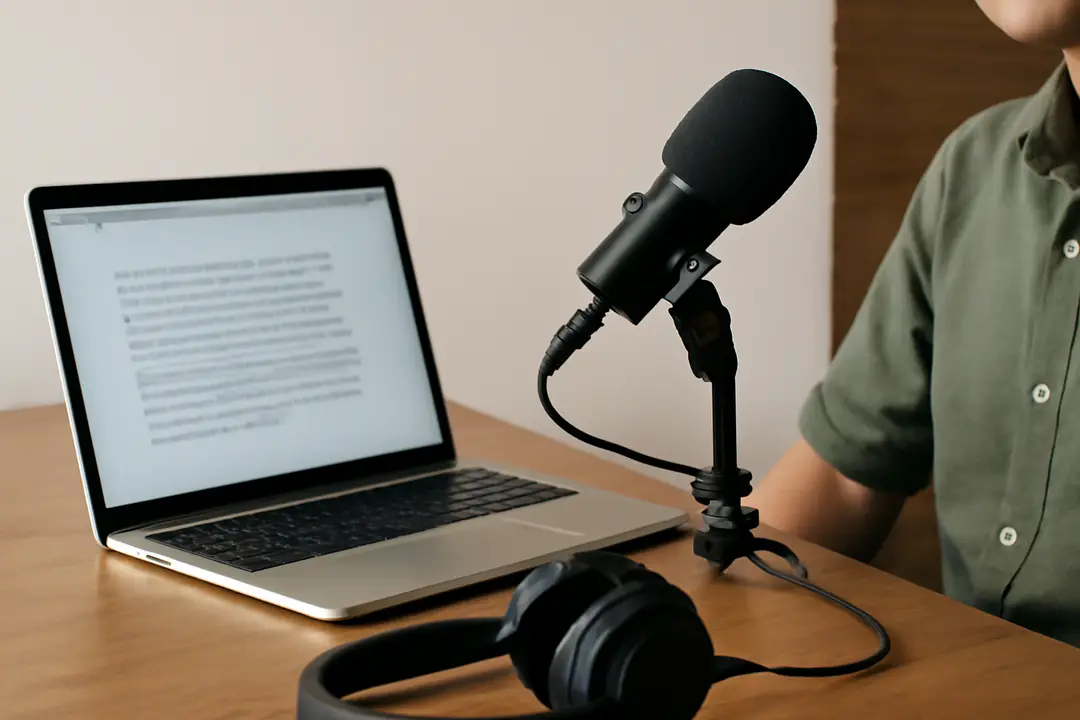
According to Statista, over 464 million people listened to podcasts worldwide in 2023 (Statista). For many aspiring creators, the biggest barrier to entry is cost—gear, studio time, and hosts can quickly eat up a small budget. But today’s text-to-speech (TTS) tools have reached near-human quality, letting you focus on story, not expenses. With free TTS tools, basic recording software, and strategic planning, you can launch a high-quality podcast on a shoestring budget.
Creating a podcast doesn’t have to mean expensive equipment or professional voice actors. From planning your narrative to picking the right TTS voices, each step can be adapted for cost-effectiveness. In this guide, you’ll learn how to outline your show, select tools, record clean audio, add engaging elements, and promote your work—all without breaking the bank.
Why TTS Is Key
Text-to-speech has improved dramatically in the last few years. Advanced AI voices now offer natural intonation, pacing, and emotion. That makes them a game-changer for podcast creators on a budget. Instead of hiring voice talent at $100+ per hour, you can use a free or low-cost TTS engine to read your scripts aloud in minutes.

Practical tip: Test a few free services before committing. Many platforms let you generate sample clips to compare voice styles. Listen for clarity, pronunciation of specialized terms, and consistency across longer passages.
TTS also speeds up production. You can revise your script, regenerate new audio instantly, and avoid costly studio re-bookings or re-recording sessions. Need to update an episode in response to feedback? Just tweak your text and re-export. No voice actor scheduling issues, no retakes.
To explore different voice options and pricing tiers, check out resources on how businesses benefit from text-to-speech engines. You’ll find that many tools offer free tiers with generous character limits, perfect for episodic content.
By leaning into TTS, you free up your budget for things that really matter: content research, sound design, and promotion. In the next section, we’ll look at how to structure your episodes so the TTS audio shines.
Planning Your Podcast
Every successful podcast starts with a clear topic and audience. Who are you talking to? What problem are you solving? Nail down your niche—whether it’s true crime summaries, short fiction readings, or tech news updates. This clarity guides your entire production.
Begin by drafting an episode outline: introduction, main points, supporting examples, and a conclusion or call to action. Keep each segment brief—5 to 7 minutes—to hold listener attention. Mix in anecdotes, statistics, or listener questions to make the show feel personal.
Tip: Write scripts in a conversational style. Short sentences work best with TTS voices. Read your draft out loud to spot awkward phrasing or overly complex words. Adjust until it flows like natural speech.
Organize your scripts in a folder system: one file per episode, labeled by number and title. This keeps your workflow tidy and makes revisions easier. When you’re ready to record, import each script into your TTS tool with a single click.
Finally, set a realistic publishing schedule. Weekly or biweekly releases help you build consistency without burning out. Use free calendar apps or spreadsheet trackers to map out your first 8–10 episodes. That roadmap will motivate you and reduce last-minute scrambles.
Choosing TTS Tools
Not all TTS engines are created equal. Some offer lifelike voices but charge by character, while others give limited free use but require a subscription for more advanced features. To find the right fit, compare a few top options:
- Google Cloud Text-to-Speech – Natural voices, pay-as-you-go pricing.
- Amazon Polly – Broad language support, free tier includes 5M characters.
- IBM Watson TTS – Custom voice tuning, flexible batch processing.
- Free tools (e.g., some open-source engines) – Good for short clips, watch for limited voice variety.
Focus on key factors: voice quality, cost per character, available accents, and ease of use. Most services let you paste text and get an MP3 or WAV file instantly. Look for platforms with simple API or web interfaces that integrate into your workflow.
For a deeper dive into platform comparisons and pricing, explore the guide to best TTS tools for content creators. You’ll find real-world examples of costs and audio samples to help you choose.
Once you select a tool, set up a template voice profile. Keep speed, pitch, and volume consistent across episodes. That continuity helps your show feel branded and professional, even on a minimal budget.
Recording & Editing Workflow
After generating your TTS audio, you need to polish it. Basic free software like Audacity or Shotcut can handle most editing tasks—from trimming silence to adjusting levels. Here’s an efficient workflow:
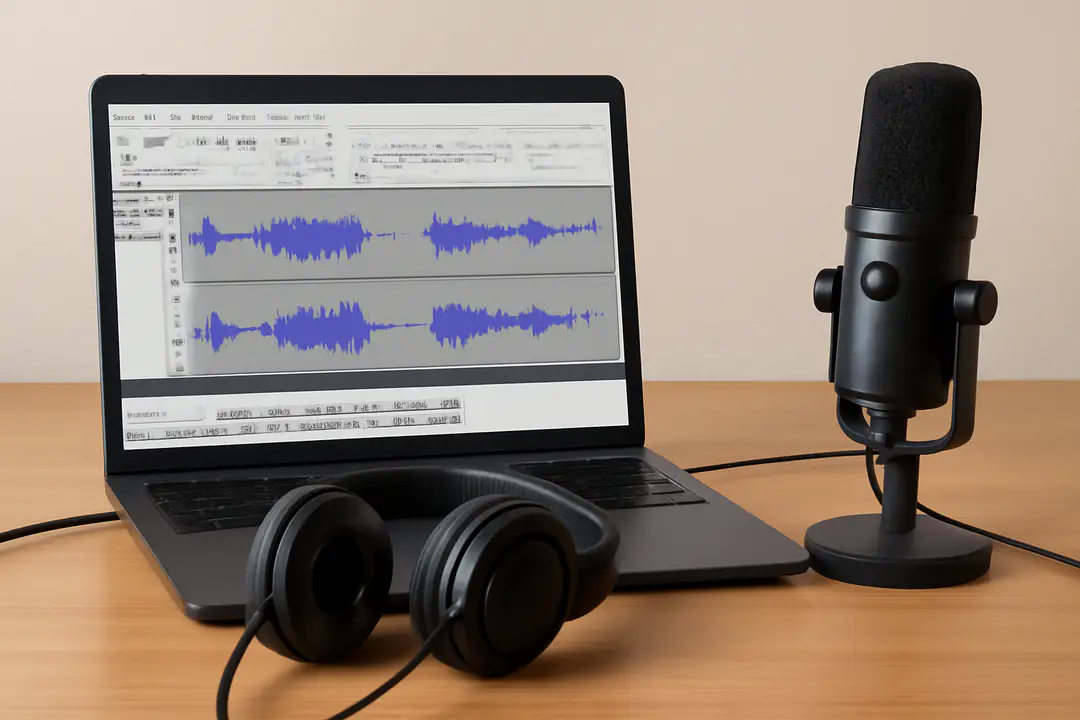
- Import your TTS audio file into your DAW (Digital Audio Workstation).
- Remove leading/trailing silence with the “trim” tool.
- Apply noise reduction or equalization to enhance clarity.
- Adjust volume levels so the audio sits around –6 dB to –3 dB.
- Split your episode into segments (intro, body, outro) for easier mixing.
- Add royalty-free music bed under intro/outro sections at low volume.
- Export the final episode as MP3 (128–192 kbps for small file size).
Pro tip: Save your project file before each major change. If you need to re-export with new TTS audio or updated sound cues, you can quickly replace the track without rebuilding the entire mix.
Keep backups of both your raw TTS files and edited sessions. Cloud storage services often provide free tiers with several gigabytes of space—enough for dozens of episodes. This ensures you won’t lose work if your computer crashes.
Adding Engaging Elements
A monotone narration can feel flat, even with high-quality TTS. To keep listeners hooked, layer in engaging audio and pacing techniques:
- Sound Effects: Use simple pops or swooshes to signal topic changes.
- Music Bumpers: Short, royalty-free clips between segments add professionalism.
- Varied Pacing: Slow down for dramatic points, speed up for recaps.
- Listener Questions: Read feedback and answer to build community.
Creative uses of TTS can boost variety. For example, assign different voices for host, guest, or character roles. That requires multiple voice profiles in your TTS platform, but it’s often included in free or low-cost plans.
Practical tip: Keep your overall episode length under 20 minutes for new audiences. If you exceed that, break content into a two-part series. Shorter shows are easier to consume and share.
By combining TTS narration with strategic audio cues, you transform a simple read-aloud into an immersive listening experience—without hiring actors or expensive sound designers.
Budget Promotion Tips
With your first episodes ready, it’s time to spread the word. You don’t need a big ad spend—just consistent, smart outreach:
- Create a simple cover image using free tools like Canva.
- Upload to major podcast directories (Apple Podcasts, Spotify, Google Podcasts) at no cost.
- Share episode clips on social media platforms—30-second highlights work best.
- Cross-post show notes and transcript excerpts on a free blog or Medium.
- Engage niche communities on Reddit, Discord, or Facebook groups.
- Ask early listeners for reviews to boost directory visibility.
Consistency matters more than budget. Pick two or three channels you enjoy (Twitter threads, LinkedIn posts, or a dedicated Facebook page) and post weekly updates. Use free scheduling tools to queue posts in advance.
Collaborate with fellow podcasters for simple cross-promotions. A 60-second ad swap—where you promote each other’s shows—costs nothing but can expose you to new listeners. Together, these tactics create momentum without stretching your wallet.
Conclusion
Starting a podcast with almost zero budget is entirely possible when you leverage modern TTS tools. By planning a clear narrative, selecting cost-effective voice engines, and following a straightforward editing workflow, you sidestep the biggest expenses of traditional audio production.
Adding simple sound effects, music bumpers, and multiple TTS voices keeps your episodes engaging and professional. Finally, lean into free promotion methods—social media, podcast directories, and community groups—to grow your audience organically.
At each stage, prioritize consistency and quality over flash. A well-structured script, even read by an AI voice, will connect with listeners more than expensive equipment ever could. With this playbook in hand, you’re ready to launch an engaging, budget-friendly podcast today.