Customer Service with Automated Voice Responses

According to Mordor Intelligence, the global voice AI market was valued at $11.44 billion in 2020 and is projected to reach $30.84 billion by 2025 (Mordor Intelligence).
Organizations are racing to adopt automated voice systems to meet rising customer demands and cut operational costs. Well-designed voice automation can handle routine inquiries, guide callers, and even upsell services—freeing agents to tackle complex issues. Automated voice responses streamline support, improve availability, and personalize customer interactions.
Why Voice Automation?
Customers expect quick answers, but traditional call centers struggle with peak-hour spikes. Automated voice systems handle multiple calls simultaneously, reduce wait times, and deliver 24/7 support. They also offer consistent messaging, so callers get the same accurate information every time.

Beyond call handling, voice automation can route high-priority issues to human agents faster. If a payment fails or an account is flagged, the system recognizes keywords or tones, then immediately alerts a supervisor. This smart escalation improves customer satisfaction and protects brand reputation.
Practical tip: begin by identifying the top five call reasons—billing, order status, password resets, technical checks, and general FAQs. Automate these first, then measure call deflection rates and customer satisfaction scores.
By layering text-to-speech engines onto your phone network, you can even personalize greetings or upsell products. For instance, a loyal customer might hear, “Hi Jane, we noticed your last order. Would you like to add our premium support plan to your account?” This combination of efficiency and personalization is the core benefit of automated voice technology.
Crafting Natural Dialog
Rigid, robotic menus frustrate callers. To keep interactions smooth, write scripts that mimic real conversation. Use everyday language, brief sentences, and friendly prompts. Avoid jargon—customers want clarity, not corporate speak.
Start each dialog with a clear greeting and purpose: “Hello! Thanks for calling Acme Support. To check your order, say ‘Order status,’ or press 1.” This hybrid voice-and-DTMF approach caters to diverse callers.
When testing your scripts, convert text into natural-sounding voice samples before deployment. You might try a service that can convert text into natural-sounding speech to preview different tones and accents. Adjust pacing and emphasis until it feels warm and human.
Include brief menu loops. If a caller says something unrecognized, offer two simple options: “I’m sorry, I didn’t get that. You can say ‘Billing’ or ‘Technical help.’” This minimizes caller frustration and speeds up resolution.
Practical tip: record pilot calls with employees posing as customers. Gather feedback on clarity, pacing, and tone. Use that data to refine menu scripts before a full rollout.
Choosing the Best Platform
Not all voice-automation solutions are created equal. Some run on premises, others in the cloud. Key factors to compare:
- Scalability: Can the system handle sudden call surges?
- Integration: Does it connect with your CRM or ticketing tool?
- Voice quality: Are the text-to-speech voices clear and human?
- Analytics: Does it provide call logs, sentiment analysis, and detailed KPIs?
When evaluating vendors, sample at least three voices to test for accent, gender, and tone. Listen on both landlines and mobile to ensure consistency. Many teams find it helpful to trial free tiers of different services to compare performance.
You can also explore various text-to-speech services to find the right balance between natural intonation and cost. For more insights on top TTS options, see this guide on various text-to-speech services.
Once you’ve shortlisted two or three platforms, conduct a small live test. Route 10–20% of your calls through each candidate solution, then survey caller satisfaction. Use those results to make a data-driven decision.
Integrating Into Systems
Automated voice doesn’t work in isolation. It needs to connect with CRM, ticketing, and knowledge-base systems. This integration lets the voice bot pull account details, log call outcomes, or open support tickets automatically.
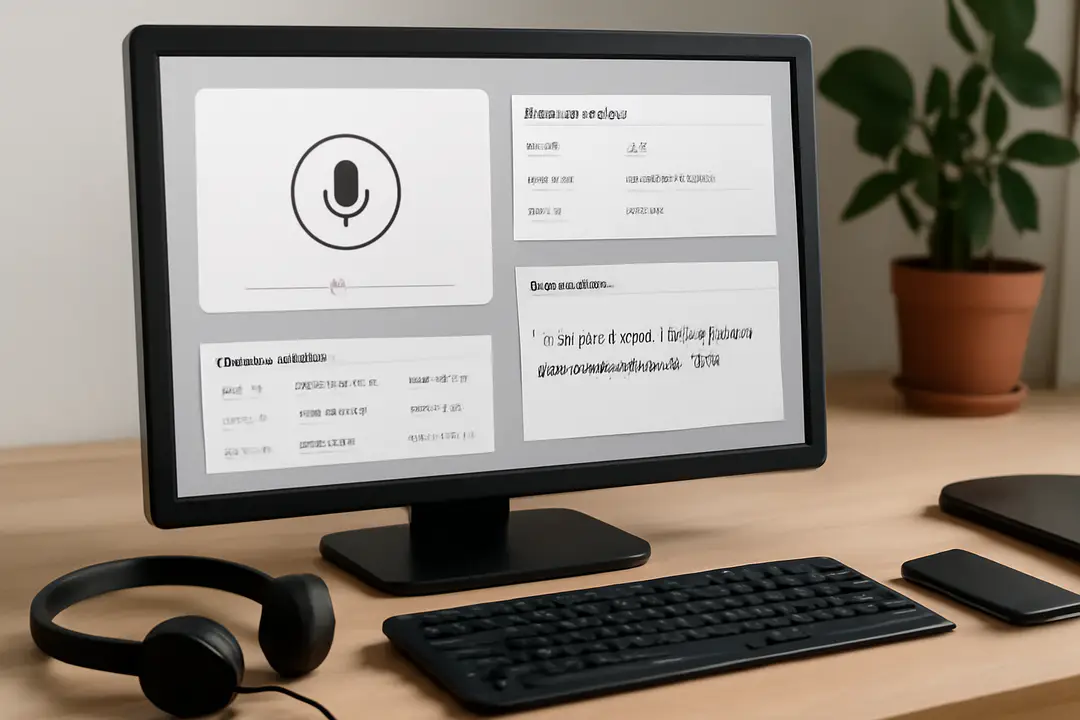
For example, when a caller requests order status, the voice system looks up the account in real time and reports back: “Your order for 3 widgets is out for delivery today.” This eliminates the need for agents to manually search records.
To set this up, use APIs provided by your CRM. Most modern platforms like Salesforce or Zendesk offer REST endpoints. Work with your IT team to map common call intents—like order updates or password resets—to API calls.
Practical tip: build a fallback to human agents if the API fails or returns an error. The voice system should say, “I’m having trouble accessing your account. Let me connect you to an agent now.” This ensures callers never feel stuck.
Training and Refinement
Voice AI learns from real interactions. After launch, review call transcripts to spot misrecognitions or drop-offs. Identify common phrases that fail and update your speech models or grammar rules.
Incorporate user feedback—prompt callers to rate their experience at the end. Even a simple “Press 1 if you got the information you needed” gives quick insights. Use that data to tweak menu prompts or reroute tricky intents.
Set quarterly reviews to update FAQ dialogs as your products evolve. Add new options when you launch services or discontinue outdated ones. This keeps your system relevant and reduces caller frustration.
For continuous improvement, monitor key metrics: call containment rate (how many calls resolve without agent handoff), average handling time, and post-call satisfaction. Aim to increase containment by 5–10% each quarter.
Monitoring and Optimizing
Even the best system degrades if not maintained. Regularly audit audio quality, script accuracy, and integration logs. Use dashboards to visualize trends in call volume, drop rates, and customer ratings.
When you spot spikes in unrecognized speech or customer hang-ups, drill down to the specific menu step causing friction. Is the prompt too long? Is the voice too monotone? Make targeted fixes rather than overhauling the whole system.
Run A/B tests on different voices or menu structures. For instance, compare a female neutral accent to a localized regional accent. See which yields higher satisfaction scores.
Practical tip: schedule a quarterly “voice health check.” Gather stakeholders—IT, support managers, and a few agents—for a 60-minute session to review performance and plan updates.
Conclusion
Automated voice responses transform customer service by delivering consistent, 24/7 support while freeing agents for complex tasks. Starting with clear goals, crafting natural dialogs, and choosing the right platform lays a solid foundation. Integrating with your CRM and refining based on real-call data ensures continual improvement. Monitoring key metrics and scheduling regular health checks will keep your system responsive and user-friendly.
With a well-implemented voice automation strategy, you reduce costs, shorten wait times, and boost customer satisfaction. Each caller feels heard and helped, even without an agent on the line. Take the first step today by identifying your top call reasons and sketching a simple script. From there, test, measure, and optimize—and watch your support team become more efficient and your customers more delighted.