Using AI to Improve Daily Productivity: Top Strategies

According to Accenture, AI-driven technologies have the potential to boost labor productivity by up to 40% by 2035. Many professionals struggle to keep up with email overload, repetitive tasks, and tight deadlines. We often overlook how AI tools can streamline our day, from organizing our calendars to generating quick reports. By weaving AI into simple routines, you can reclaim hours each week. Using AI to automate tasks and optimize workflows boosts daily productivity significantly.
In this article, we’ll explore how everyday users—from freelancers and managers to students—can harness AI for smarter work habits. You’ll learn goal-setting tactics, automation strategies, focus techniques, and how to measure progress. Each section offers practical tips and real-world examples so you can start improving your efficiency right away.
Setting Clear Goals
Defining what you want to achieve is the first step toward leveraging AI effectively. Start by listing your top three daily objectives: for example, responding to emails, drafting proposals, and reviewing data. Then use AI planning tools or note-taking apps to break each goal into smaller tasks.
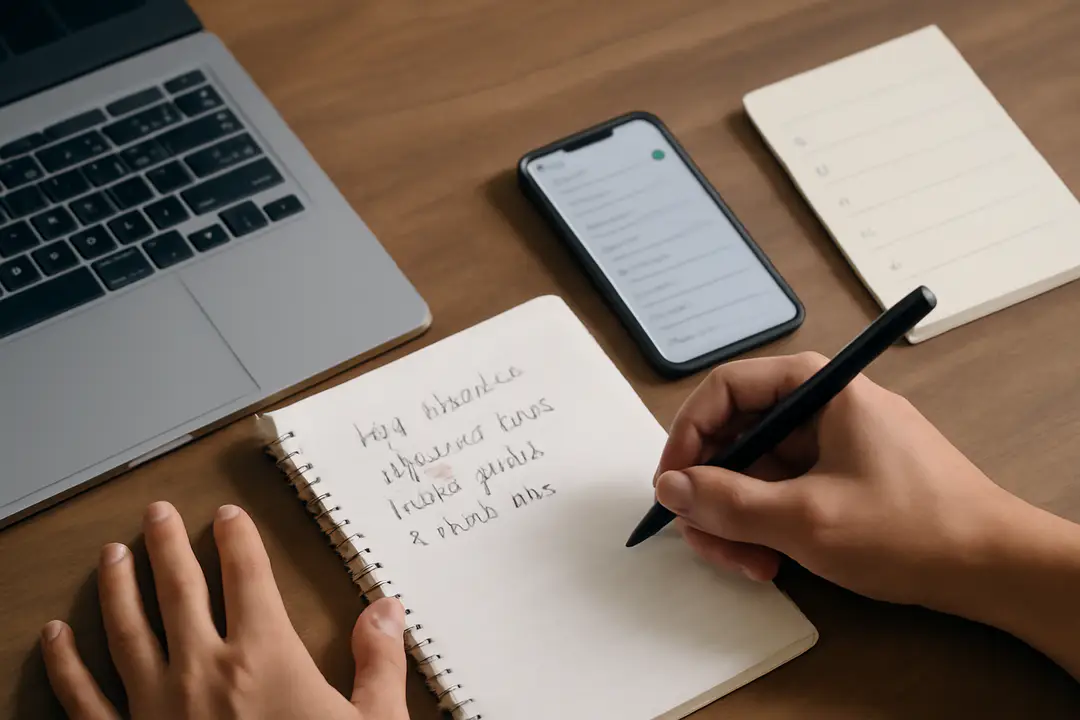
Tip: Use an AI-driven task manager like Notion AI or Todoist’s smart suggestions. They can analyze your patterns and recommend ideal times to tackle each item. If you note that your creative work peaks in the morning, schedule brainstorming sessions then.
Another tip is to create templates for recurring tasks. An AI writing assistant can save a template for weekly reports or client follow-ups, so you don’t start from zero. Over time, those saved prompts reduce your setup time and mental load.
Data point: Teams that set specific AI-enhanced goals report a 25% increase in on-time project delivery. When goals are clear, AI can map out workflows, assign priorities, and even send you reminders before deadlines. It’s like having a personal coach for your to-do list.
Automating Repetitive Work
One of AI’s biggest productivity wins is automating routine actions. Whether it’s sorting emails, updating spreadsheets, or posting on social media, AI bots can handle it. Start by auditing your daily tasks and identifying any that take more than five minutes and occur at least twice a week.
Next, choose a workflow tool such as Zapier or Microsoft Power Automate. Connect your apps so that when you receive a client email with a certain label, a draft reply is generated automatically. Or have your chat tool log meeting notes directly into your preferred document folder.
Pro tip: For voice alerts and reminders, integrate text to speech notifications. You can pick from the top text-to-speech tools to have your calendar read out upcoming tasks. This frees your eyes for other work while keeping you on track.
Example workflow:
- Trigger: Email with project update arrives.
- Action: AI parses key details and logs them in your project management board.
- Action: Notification sent to your phone with a brief TTS summary.
Once set up, these automated pipelines run in the background, trimming hours off your week and letting you focus on high-impact work.
Smart Scheduling Hacks
Not every block of time is equal. AI can analyze your calendar and suggest the best slots for focused work, meetings, or breaks. Tools like Clockwise or Woven use machine learning to rearrange low-priority events, creating “focus time” where interruptions are minimized.
Start by syncing all your calendars—work, personal, and side gigs—so the AI has a complete picture. Then let it propose daily agendas. You might discover that your peak concentration hours are between 10 AM and noon, or that brief midday breaks improve your afternoon productivity.
A helpful trick is to set buffers between meetings. AI schedulers can insert five-minute breaks automatically, reducing context switching fatigue. They can also identify meeting overload and suggest “no-meeting days” to protect blocks for deep work.
Data shows that professionals using AI-based scheduling save up to two hours per week on calendar management alone. With smarter time allocation, you’ll spend less time wondering “what’s next” and more time doing your best work.
Enhancing Focus and Flow
Maintaining deep focus is hard when notifications constantly pull you away. AI can help by filtering distractions and optimizing your work environment. Noise-cancelling apps powered by AI, like Krisp, remove background sounds, while focus music generators adapt tempo based on your task intensity.

Another strategy is to use AI note-taking during meetings. Tools such as Otter.ai or Fireflies.ai transcribe conversations in real time, highlight action items, and share summaries with your team. You can revisit key points without scrambling to take notes, keeping you present and engaged.
For written tasks, try generative AI assistants that suggest sentence rewrites, check grammar, and even propose next-sentence ideas. This speeds drafting and keeps your wording sharp. Over time, you’ll need fewer edits and accomplish more in less time.
Lastly, consider brief check-in prompts powered by conversational AI. A quick chat bot can ask how your focus level is, remind you to stretch, or suggest a two-minute breathing exercise when stress is detected. These micro-breaks boost energy and sustain flow throughout the day.
AI Assistants for Routine
From virtual receptionists to customer-service bots, AI assistants lighten your load. Chatbots can handle common inquiries, schedule appointments, and escalate issues when needed. This frees you from routine back-and-forths so you can tackle strategic work.
If you create audio or video content, leveraging accessibility with AI voice tools ensures your message reaches everyone. You can generate transcripts and natural-sounding narration in minutes, rather than spending hours recording or editing.
For personal admin, try an AI concierge in your messaging app. Ask it to find a restaurant, book a ride, or send birthday greetings. The more you rely on these assistants, the more tailored their suggestions become, fitting seamlessly into your lifestyle and saving you decision-making time.
Tip: Combine multiple assistants with a central hub like Amazon Alexa or Google Assistant. Voice-activate your routines—“Good morning” triggers weather updates, a briefing on your schedule, and tasks read aloud by text-to-speech. It’s a simple ritual that starts your day with clarity.
Measuring and Iterating
Improvement is a loop: plan, act, measure, refine. AI analytics tools can track how you spend your time, flagging productivity leaks. Apps like RescueTime or Timely automatically log your active apps and documents, creating a clear picture of your habits.
Review weekly reports to see where AI automation added the most value. Did you shave hours off email processing? Were your focus sessions more productive with noise cancellation? Use these insights to adjust your goals and workflows.
For content creators or educators, integrating AI into video editing workflows can speed up production. You might use engaging video production tools that auto-generate captions or voice-overs, letting you publish faster and reach more viewers.
Finally, treat AI like a teammate. Give feedback to your tools—flag errors, rate suggestions, and refine prompts. Over time, the AI grows smarter, making your daily grind smoother and more efficient.
Conclusion
Using AI to Improve Daily Productivity isn’t about replacing human effort; it’s about amplifying our best skills. By setting clear goals, automating repetitive work, and optimizing your schedule, you reclaim precious time and mental energy. Incorporating AI assistants and focus-boosting tools helps you dive deeper into meaningful tasks.
Regular measurement and iteration ensure you continue refining your approach. As AI learns your patterns, it becomes more proactive—reminding you of deadlines, suggesting better workflows, and adapting to your needs. The result is a virtuous cycle of steady productivity gains.
Embrace AI as your productivity partner. Start small—automate one task, let AI suggest your next meeting slot, or use a generative assistant for drafting emails. Watch how these small changes compound, freeing you to focus on creativity and impact.
Take the first step today: identify one area where AI could save you time and explore a tool to address it. With each tweak, you’ll unlock more hours, sharpen your focus, and get closer to your goals.